Manage my customers
Goal: keep a single record per customer, with their contact details, measurements and order history — no more duplicates across notebooks.
Register a new customer
On mobile
- From the dashboard, tap + then New customer (or open the Customers tab and use the add button).
- Fill in the first name and last name.
- Pick the gender (male, female, other) — useful for filtering and for suggesting the right garment types.
- Add one or several phone numbers (mobile, WhatsApp, etc.).
- Save.
On the web back office
Open Customers in the menu, then New customer. The form is the same.
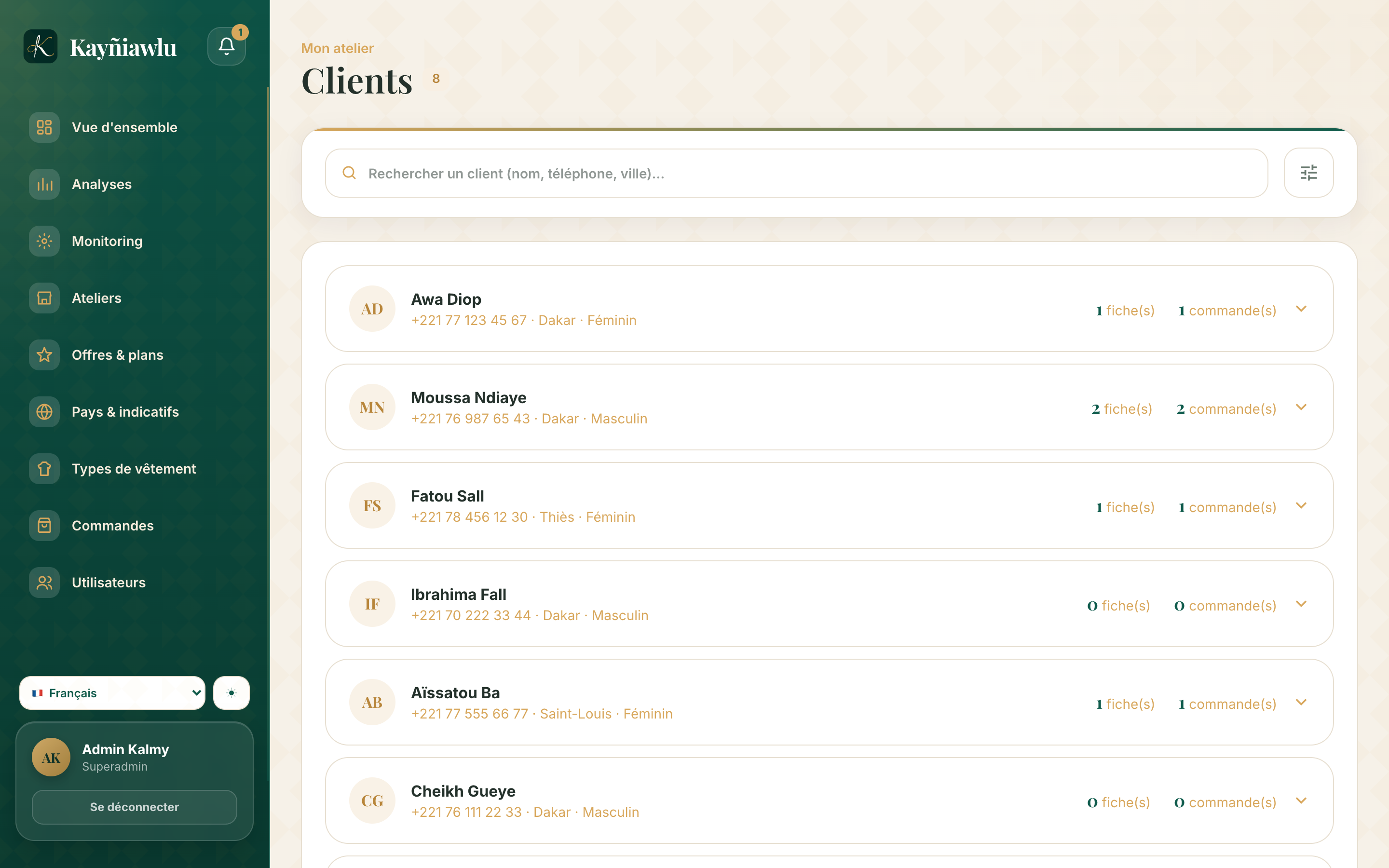
Find a customer
- Search: type their first name, last name or phone number in the search bar.
- Filters: filter by gender to narrow the list.
The customer record
Opening a customer shows:
- their contact details (editable at any time);
- their measurement sheets, including older ones — handy for a new order without measuring again;
- their past and ongoing orders.
Who can see customers?
Every member of your workshop (owner and employees) sees all customers: a customer registered by an employee at the shop is immediately visible to everyone. Customers are never shared with other workshops.
Frequently asked questions
Can I delete a customer? Yes, from their record. Careful: this also deletes their measurements and orders. Keeping the history is usually better.
A customer changed their number? Open their record and edit or add the number: the history stays intact.