Topptoo sama client yi
Li ngay def : am benn fiche rekk ci client bu nekk, ak ay coordonnée, ay mesure ak historique commande yi — doublon yi ci kaye yi jeex nañu.
Bind benn client bu bees
Ci mobile
- Ci tableau de bord bi, tappal + te tappal Client bu bees (walla ubbil onglet Client te jëfandikool buton ajout bi).
- Bindal tur wi ak sant wi.
- Tànnal genre bi (góor, jigéen, yeneen) — dafay jariñ ci filtre yi ak ci tànn type vêtement yu baax yi.
- Yokkal benn walla ay numéro téléphone yu bari (portable, WhatsApp…).
- Enregistreel.
Ci backoffice web bi
Ubbil Client ci menu bi, tappal Client bu bees. Formulaire bi benn la.
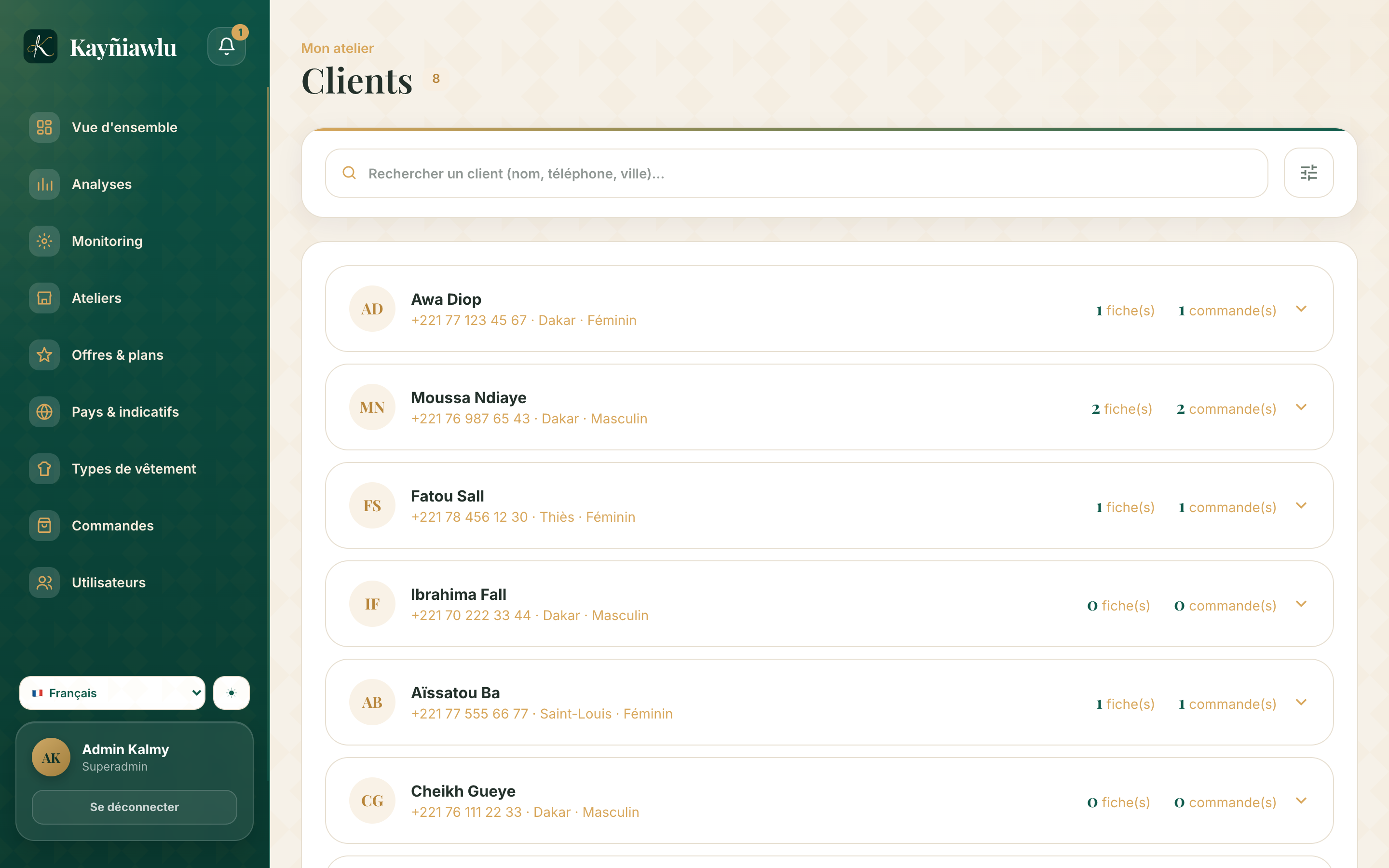
Seet benn client
- Seet : bindal tur wi, sant wi walla numéro téléphone bi ci barre seet bi.
- Filtre : filtreel ci genre ngir wàññi liste bi.
Fiche client bi
Boo ubbee benn client, dangay gis :
- ay coordonnée (mën nga leen soppi saa su nekk) ;
- ay fiche mesure, ak yu yàgg yi it — lu baax la ngir commande bu bees te doo jëlaat mesure yi ;
- ay commande yu jàll ak yu dund yi.
Kan mooy gis client yi ?
Ñépp ci sa atelier (boroom bi ak jëfandikukat yi) dañuy gis client yépp : client bu jëfandikukat bind ci boutique bi, ñépp dañu koy gis ci saa si. Client yi duñu leen mukk séddoo ak yeneen atelier.
Laaj yu ñuy faral di laaj
Ndax mën naa far benn client ? Waaw, ci fiche bi. Moytul : dafay far it ay mesure ak ay commande. Li gën mooy denc historique bi.
Client bi soppi na numéro ? Ubbil fiche bi, soppil walla yokkal numéro bi : historique bi du yëngu.