Create my workshop
Goal: register your workshop on Kayñiawlu and get your owner account. It is free and takes less than five minutes.
From the web back office
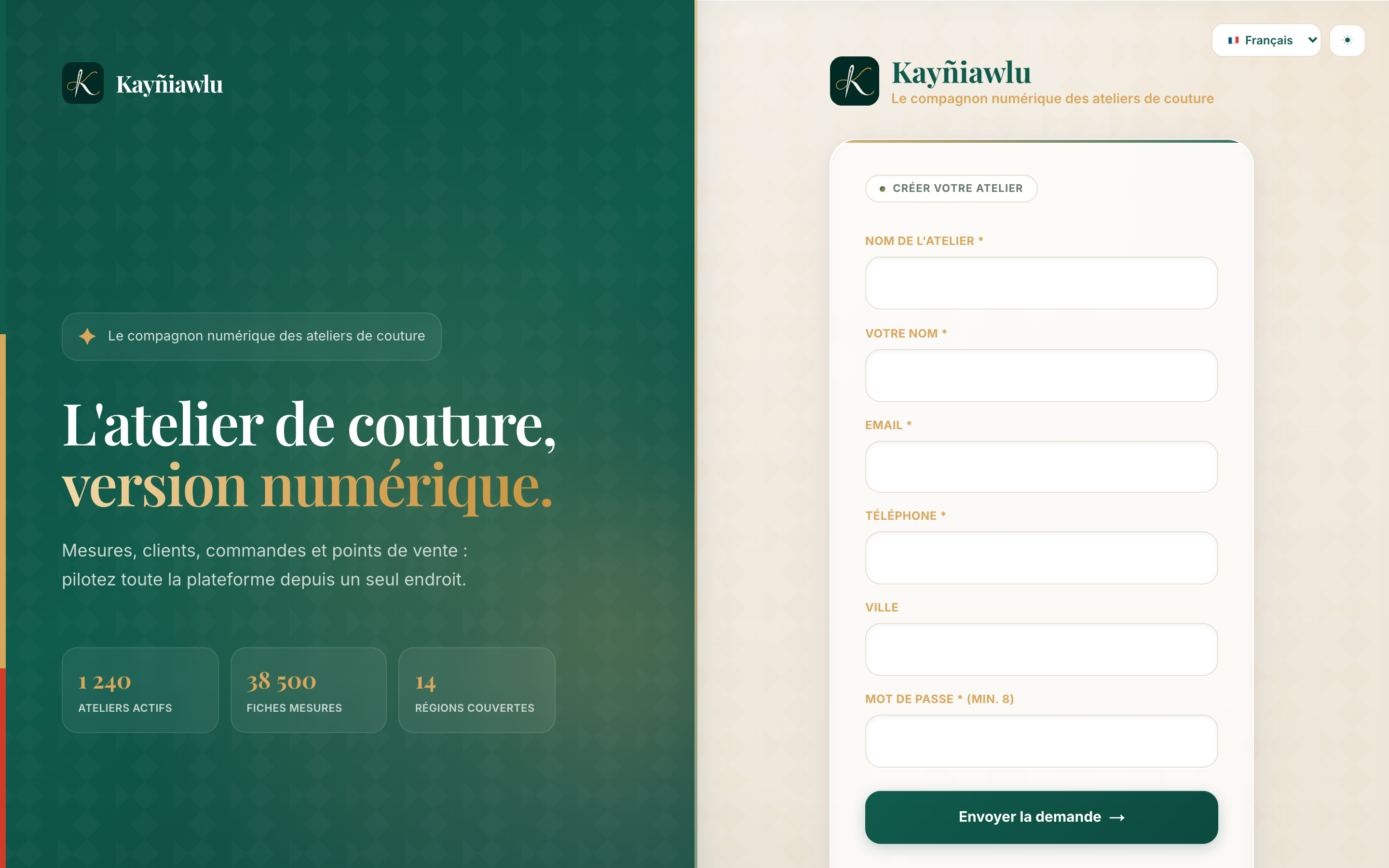
- Open app.kayniawlu.com and click Create my workshop.
- Fill in your workshop details: workshop name, city and phone number.
- Fill in your personal details: name, email and password.
- Confirm: your workshop is created with:
- your owner account (you have full rights over your workshop);
- your first sales outlet (your main shop or workshop);
- the Free plan enabled automatically.
From the mobile app
You can also sign up from the app: on the login screen, tap Create my workshop and follow the same steps.
The Free plan, and beyond
| Plan | Sales outlets | User accounts |
|---|---|---|
| Free | 1 | 2 |
| Pro | 5 | 10 |
| Enterprise | Unlimited | Unlimited |
You start on the Free plan. When your workshop grows (several shops, more employees), upgrade from the Subscription page in the back office.
Next steps
- Sign in on mobile and on the web.
- Register your first customer.
- Take their measurements.