Sign in
Your Kayñiawlu account (email + password) works on both applications: the mobile app and the web back office.
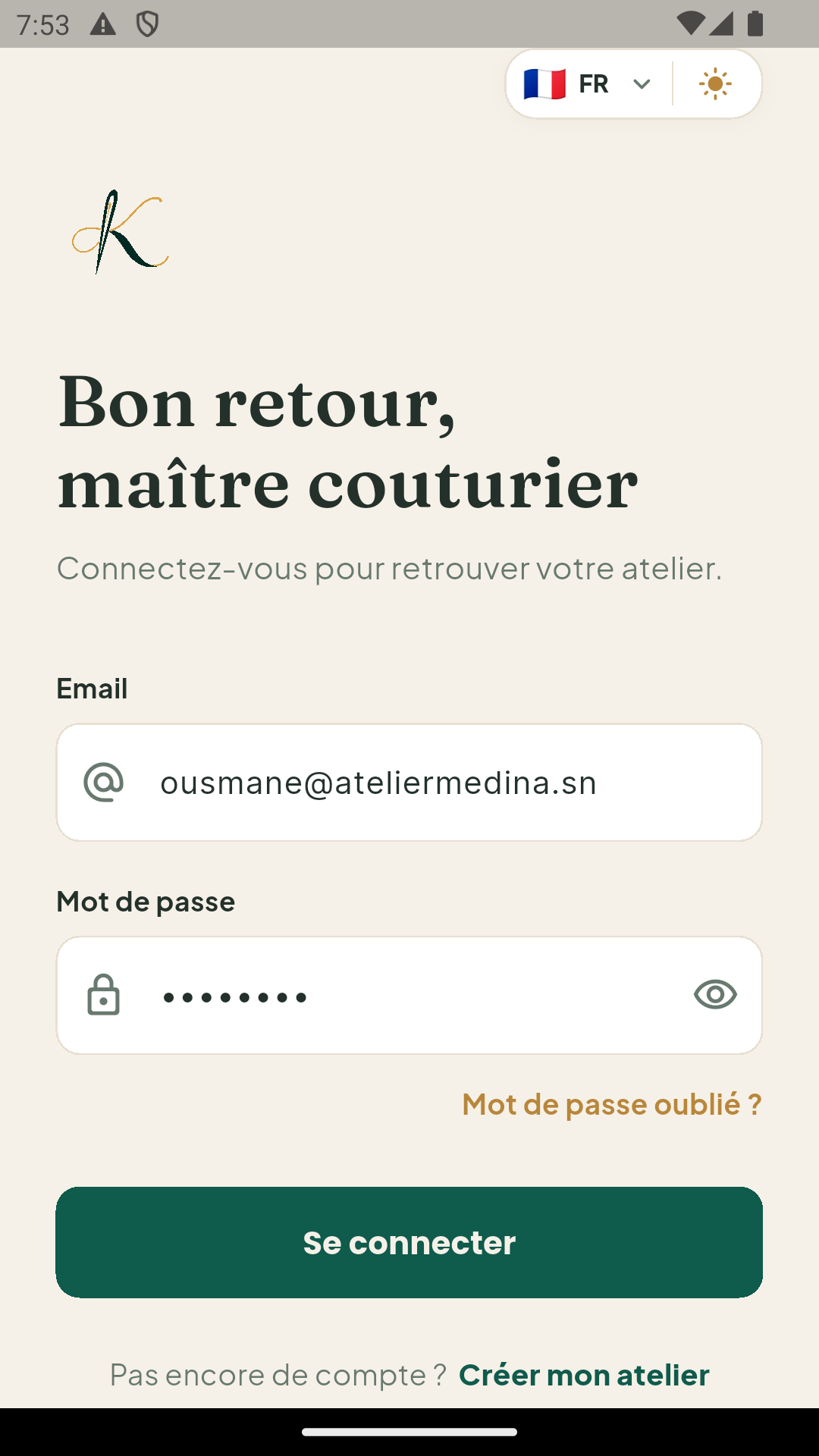
On the mobile app
- Open the Kayñiawlu app.
- Enter your email and password.
- Tap Sign in.
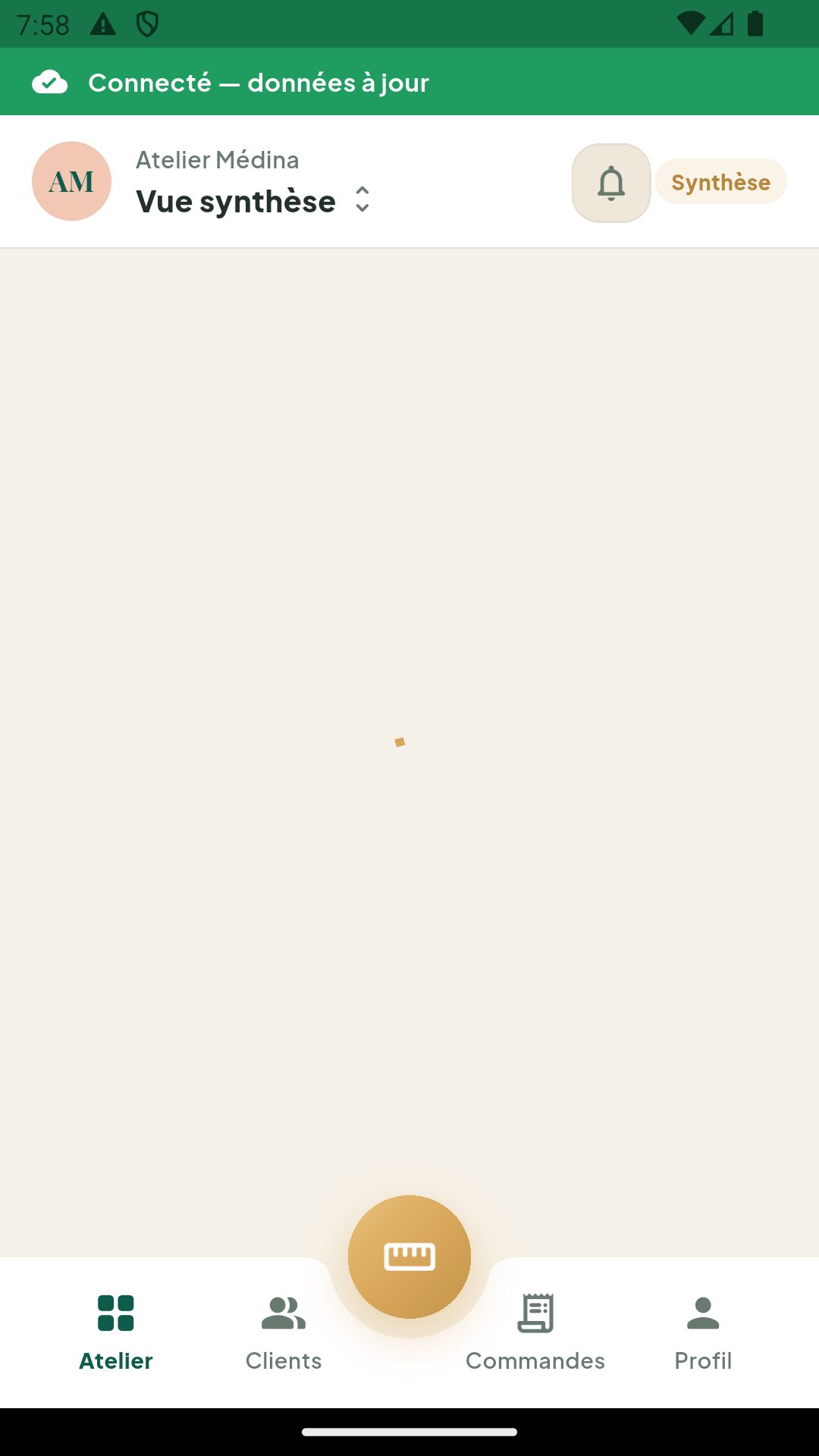
You stay signed in automatically: next time, the app opens straight on your dashboard.
On the web back office
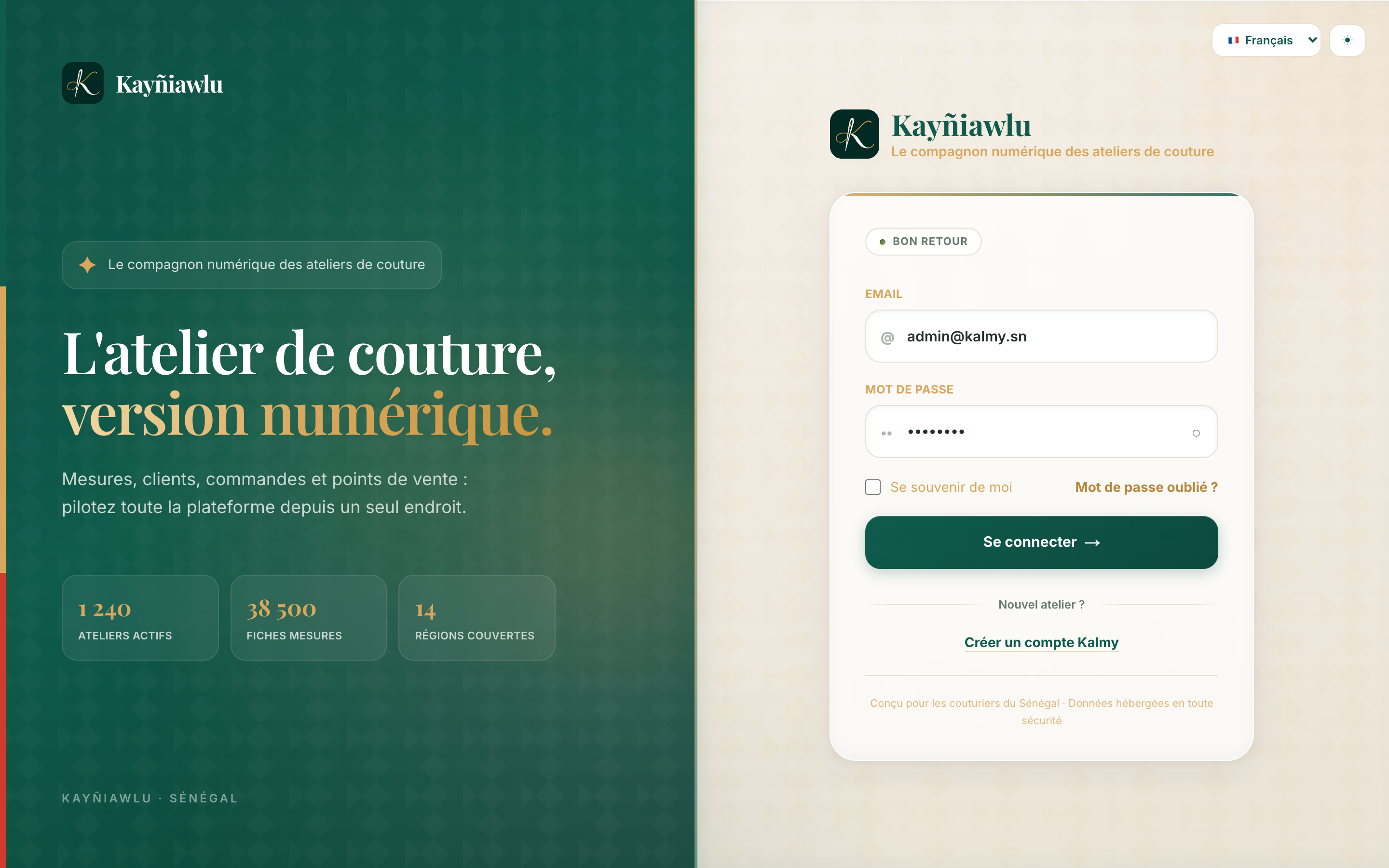
- Open app.kayniawlu.com.
- Enter the same credentials.
- You land on your workshop dashboard.
Forgot your password?
Use the Forgot password link on the back office login screen: you will receive an email to set a new password.
What you see depends on your role
| Role | Access |
|---|---|
| Owner | The whole workshop: customers, orders, team, sales outlets, subscription |
| Employee | The workshop's customers, and the orders of their assigned sales outlets |
See the employee guide for details.